 Get Started


 Login
Login
 (877) 355-3585
 Chat
Chat Email
Email Help Desk

A domain name is the unique address of a website. Domain names comprise two parts: a brandable ‘name’ portion (like Atom) and a TLD or ‘top-level domain’ like .com, .org, or .net. Our domain is Atom.com: it might be what you searched to find this page, and it’s certainly how you’ll remember us for your next visit.
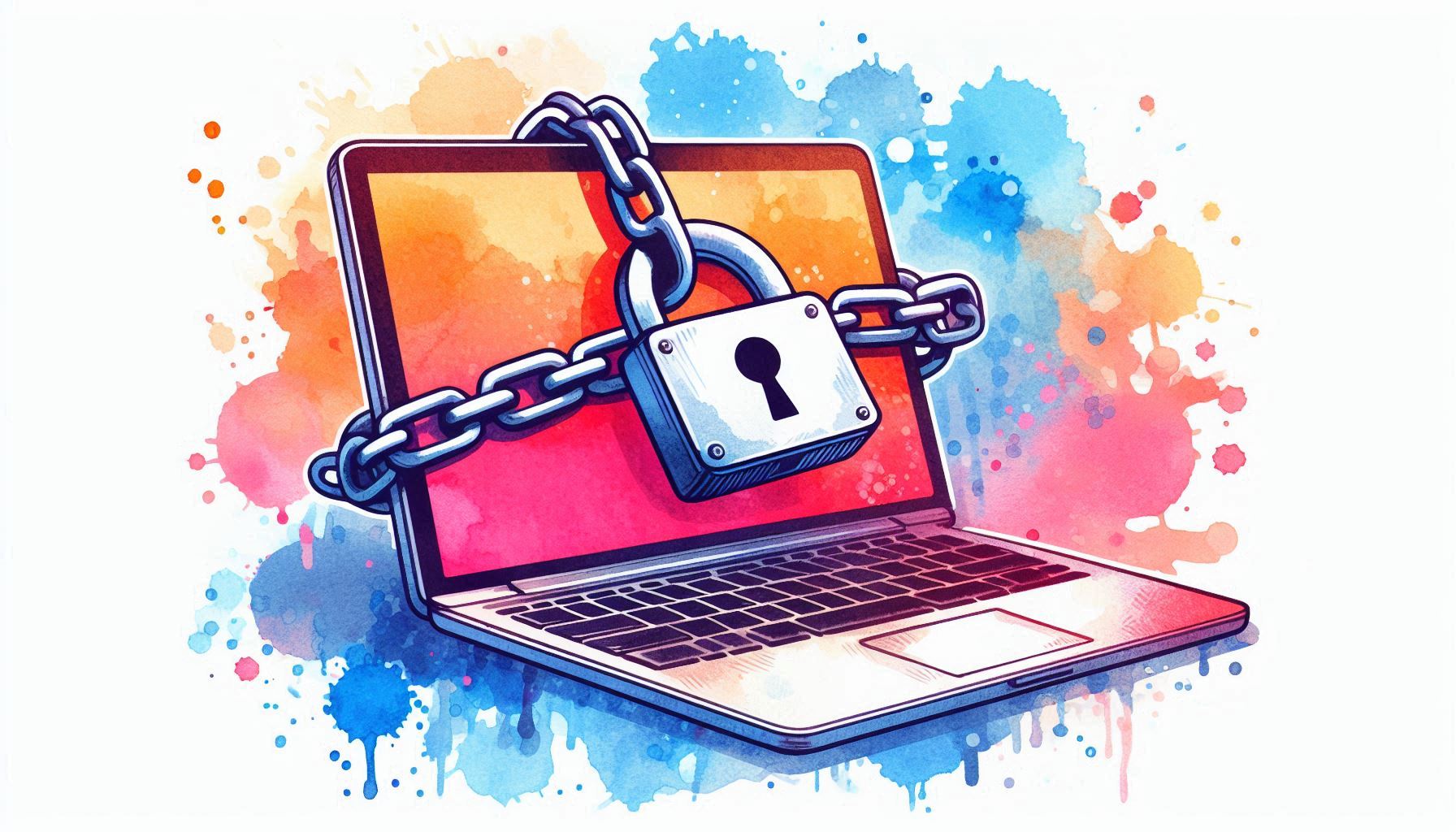
Domain names are fundamental to both your brand and your website. Equally domain security can impact the reputation of your brand and the functioning of your website.
Would you leave your storefront unlocked or your cash register open? Probably not, and you should take digital security as seriously as the security of any physical store you own.
So let’s find out why domain security is so important, and see how to secure a domain name.
Why is Domain Name Security Important?
Domain security is important because your domain name becomes your online platform. It’s both where your customers will go to find you online — functioning as your online storefront — and how your customers will remember your brand in digital dealings.
Weak domain security could mean you’re locked out of your website, or even lose control of your domain altogether. If domain hijackers take over your domain, your web content could be replaced by clickable ads, or a fake “Donate” page scamming your customers, as happened to a popular Minecraft forum in 2022.
With weak domain name security, these are the risks:
- You could lose temporary access to your website.
- You could be locked out of your emails.
- Your customers could be scammed.
- Your reputation as a trusted, legitimate business could be damaged.
- You could lose your domain name altogether.
Domain name security rests on the importance of your domain name overall — which is fundamental to your visibility and brand positioning in an increasingly digital business world. So let’s find out how to secure a domain name.
How to Secure A Domain Name
Domain security doesn’t have to be complicated. It consists of a few best practices and common sense steps. Once you’ve understood how to secure a domain name, you can get back to doing what you do best — innovating and running your business.
Here are 10 steps you must take when learning how to secure a domain name.
- Choose a reputable domain registrar
Domain registrars are the mediators between you, the domain buyer, and ICANN and its domain registries that manage all domain names. Once you buy a domain name you have to choose a domain registrar, who will be responsible for passing your details to the domain registries.
Domain registrars provide a space to manage your domain, so you must register your domain with a reputable ICANN-accredited registrar. Any weakness in your registrar’s security infrastructure puts your domain at risk.
Here are some features your domain registrar should offer:
- Two-factor authentication
- Automated domain renewal
- 24/7 tech support
- Secure DNS management and SSL certification
Expert tip: Avoid use domain resellers. These are third- or fourth-party providers offering domain registration services for domain registrars. They’re like middle-men for the middle-men and often have limited customer service and inadequate security. Registration reseller weaknesses led to the hijacking of the New York Times’ domain NYTimes.com in 2013.
- Turn on auto-renewal
Registering a domain is the official documentation of ownership, so what happens if that domain registration expires? Failing to renew a domain can have serious consequences. According to CyberInsider, security researchers were able to hijack over 4,000 backdoors by purchasing expired domains for as little as $20, demonstrating how easily abandoned digital assets can be weaponized. Even if you recover your domain, you’ll be locked out from your business emails and website in the meantime.
And if you don’t correct the issue promptly, you could see your domain name auctioned off to the highest bidder.
So turn on auto-renewal to allow your domain registration to renew automatically. Keep your contact details up to date in the domain registrar portal, and ensure you have the correct payment details on file.
- Turn on registry lock
Registry locking, also known as domain locking, adds additional stages of verification before you can initiate a domain transfer to a new domain registrar or alternative account. This means that if someone does get into your domain registration account, they can’t move the domain to a new account.
- Use Domain Privacy
ICANN maintains a global, public database containing information about domain ownership. If your personal details are revealed on this database, it gives domain hijackers a shortcut to identifying which email addresses are associated with your domain registration. As well as security issues, it also subjects you to unwanted spam emails.
Domain privacy, also called domain protection, replaces your sensitive contact information with proxy details on ICANN’s Lookup database. This protects your details and your domain.
- Sign in with 2-Factor Authentication
A good domain registrar will offer additional security measures, including 2-factor authentication for logging in. Using 2FA adds an extra layer of protection and ensures nobody can access your domain registration account besides you.
- Use an SSL certificate
An SSL certificate for your website allows you to use the more secure HTTPS protocol which replaced the older HTTP protocol.
An SSL certificate is a single file containing information about:
- The domain name and person or organization that owns it,
- Any subdomains connected to that domain name,
- A public key to enable encryption.
SSL certificates make it harder for hackers to create fake versions of your website and encrypt your customers’ data. Your domain registrar should offer SSL certification — this is often included in all plans for free.
- Use domain monitoring
As secure as your domain name is, it’s always possible for a hacker or competitor to create a similar domain. This is called domain spoofing and is used in phishing attacks to trick customers into providing sensitive details.
Domain monitoring is a service that tracks similar domain registrations to your own domain. For example, if you owned and operated the domain “unicornwines.com”, domain monitoring could alert you to the registration of:
- Alternate TLDs like unicornwines.net, unicornwines.co
- Alternate spellings like: unlcornwines.com, unic0rnwines.com, or unicornwynes.com
Additionally, using tools like a datacenter proxy can further enhance your monitoring efforts by allowing you to anonymously track suspicious domain activities and identify potential threats without exposing your own network identity.
These names could be infringing on your trademark or copying your brand. Domain monitoring gives you a heads-up.
- Trademark your name
Trademarking your domain name gives you further protection, both online and out in the real world. Trademarking gives you a legal right to use your name in a certain sphere and prevents others from mimicking your brand.
Trademarking also protects your domain from online copycats and gives you recourse to the Uniform Domain Name Dispute Resolution Policy (UDRP) process if someone is taking advantage of your widespread recognition with a similar name.
Additionally, if you are ever the victim of domain hijacking, holding the trademark provides further documentation that you’re the rightful owner. If your domain name is transferred to another registrar, this documentation can be crucial in having it returned.
- Register alternative extensions
.com domains are the gold standard, and have proven to be more recognizable and more trusted by customers. In fact, web users are almost 4x as likely to misremember a domain as .com than as any other extension, demonstrating that owning the .com version of your domain can be vital to online discovery.
However, some proven alternative domains are also highly popular. These include .net, .org, .co, and .io, and registering your domain name across multiple popular extensions gives you a stronger brand identity online, and secures your domain from copycats.
Try amazon.org and amazon.co and you’ll find yourself redirected to Amazon’s main homepage, amazon.com. While you can’t register every one of the 1600 top-level domains out there, you’ll be protecting your domain and brand by securing some of the most popular ones.
- Stay up to date on industry best practices
Lastly, as I’m sure you’re aware, the internet is a fast-changing world. The last few years have seen the rise of blockchain technology and the ubiquitous spread of artificial intelligence. So what’s next?
To secure your domain in the long term, you should keep current on industry best practices. CSC’s annual Domain Security report outlines the latest challenges, while ICANN provides numerous resources on DNS and domain security. Oh, and don’t forget to follow Atom on X to stay up to date on how to secure a domain name.
How to Buy Your Domain Name
Choosing the right domain name is important. A strong domain name becomes a brand asset and reinforces loyalty and connection with your customers, throughout every digital interaction. A memorable domain with a recognized extension reduces customer acquisition costs, boosts customer lifetime value, and helps your business expand into new markets.
Here are some tips for finding the perfect domain name:
- Size matters: The shorter your domain is, the more memorable and searchable it becomes. In the top 10,000 most popular domains the average length is 8 characters; in the top 100, it is 6. If your domain is going to be longer then it should be a combination of two English language words.
- Be brandable: Your domain name must be easy to spell and easy to pronounce so people can recommend you to their friends. Make sure it tells new customers about the heart and soul of your business.
- No numbers or hyphens: Your domain name should be A – Z only. unicornwines.com is more trustworthy than unicorn-wines.com or unicornwines42.com.
- Use a trusted extension: 70% of people don’t trust newer domain extensions. Aim for .com, but consider .co, .org, and .io for more affordable options.
Buy your domain through a proven marketplace
When it comes time to buy your domain name, consider a proven, premium domain marketplace like Atom. Every domain name on Atom’s marketplace has been dreamed up by an international team of creatives, and approved by our in-house team of domain experts.
When you buy from Atom, you’re guaranteed to get a powerful, brandable domain matched with an elite domain extension. Choosing Atom gives you the security and confidence to invest in a premium domain that can be a long-term asset for your brand.
And Atom can help you understand how to secure a domain name. We offer assistance with domain transfer, and payment is taken through an escrow service to ensure a secure acquisition and protect both parties in the transaction.
Wrapping Up
While the cybersecurity world is ever-evolving, domain security comes down to a few dos and don’ts. With a reliable domain registrar and some common sense account protection measures, your domain can be as safe as houses.
Now you know how to secure a domain name, it’s time to start dreaming up your next big business venture. Choosing a strong, .com domain and trademarking your brand can protect you in the long run.
Atom’s curated marketplaces are founded on a thriving creative community. With over active 300,000 creatives, from Australia to the UK to Canada and the US, you can bet we’ll have the perfect name for your business.
Ready to get started? Head over to the Domain Marketplace